AI Teammates
A message comes in.
Love gets to work.
Your conversations, calendar, and crew. Connected teammates help carry the everyday work forward—with your people in the loop.
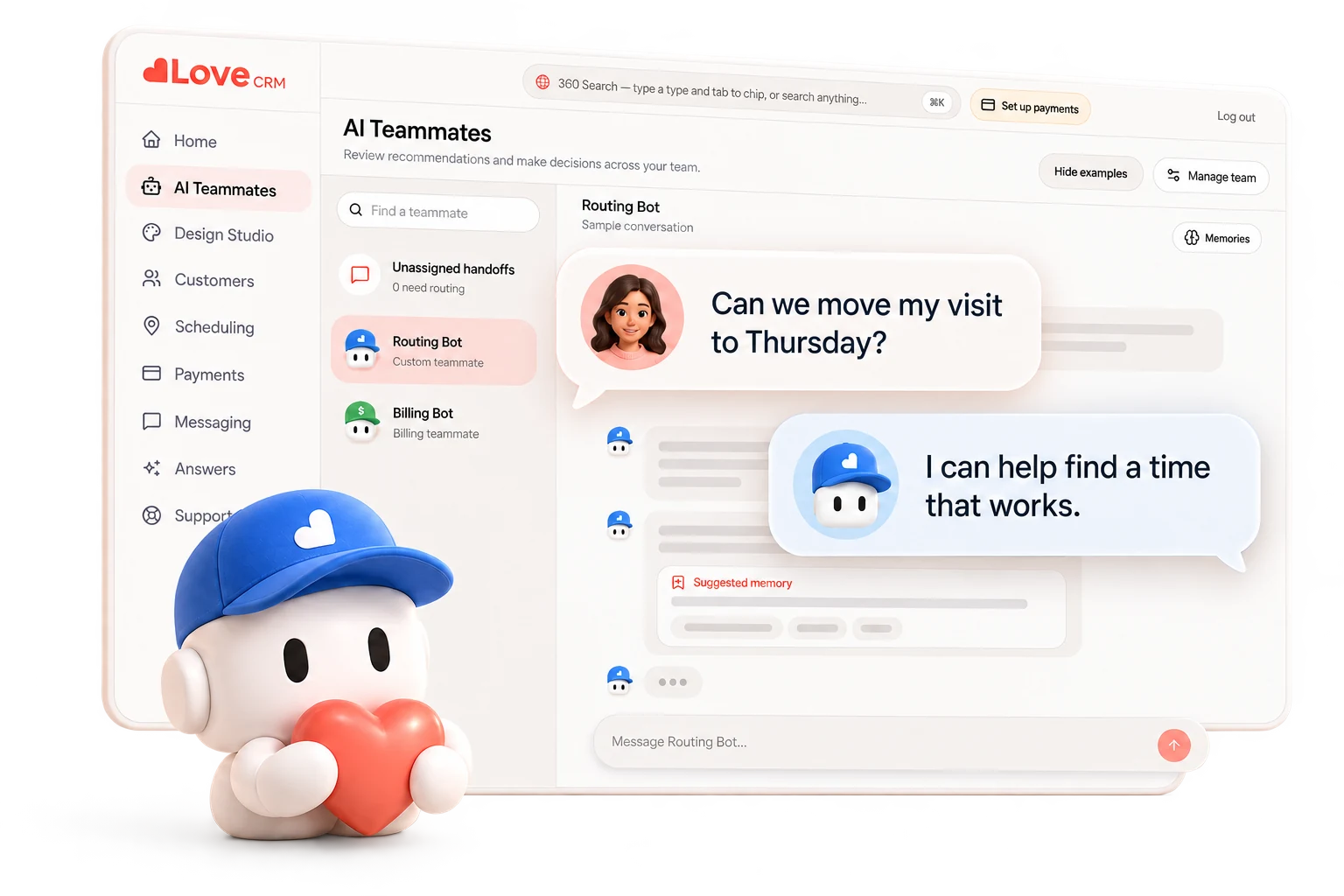
A thoughtful reply. A better next step. Important decisions still come back to your team.
From signal to outcome
Real work. Start to finish.
From a moved visit to an expiring card, follow the work through seven fictional examples. What Love can carry depends on your setup; your team handles the exceptions.
Example workflow
From ‘not Friday’ to a confirmed visit.
A customer says the planned service day no longer works.
- 1
Reads the recurring service window and verified account notes.
- 2
Checks qualified technician capacity and route fit before offering times.
- 3
Waits for the customer to choose, then confirms the new visit.
- 4
Updates the technician schedule and reminders, and logs the full thread.
When it stops: If no suitable opening exists—or the request falls outside the plan—the conversation goes to staff review.
Human control
Routine work moves. Exceptions come to you.
Your schedule. Your boundaries.
Qualified openings only. The customer confirms before a visit moves.
Your rules. Your final say.
Pricing, credits, and unusual requests wait for approval when your rules require it.
The work stays visible.
Messages, changes, and handoffs remain in the activity record.
Illustrative approval
Billing needs your decision
The request falls outside the teammate’s permitted amount, so no account change has been made.
API & MCP
Your favorite agent.
Your business, connected.
Connect compatible clients to Love’s workspace MCP endpoint and authorize an active AI teammate. Use the connection guides for Codex, Grok Bot, Claude, Cursor, Gemini CLI, ChatGPT and Muse Code, including the availability details for each client.

Structured context and teammate-scoped tools give your outside agent a defined role in the business. Start with a permitted read, then review a catalog action proposal in Home.
Explore connection guidesPractical questions
Before a teammate gets to work.
What happens when a customer replies with something unexpected?
The teammate checks the reply against the rules and context available in your setup. If the request is unclear, outside an allowed window, or needs judgment, it asks a clarifying question or sends the work to your team instead of guessing.
Can we choose which actions require approval?
That is the intended control model. Routine work can move within the limits you set, while actions such as credits, pricing changes, overtime, or unusual schedule requests can wait for a named person to review them.
How does a customer update an expiring payment method?
The illustrative Billing workflow sends the customer to a secure payment portal. Love should never ask a customer to send full card details by text or place those details in a conversation thread.
Are all seven workflows available today?
These are illustrative workflows that show the direction and operating model for Love's AI teammates. Availability and how far a teammate can act depend on your setup. Bring your workflow to a demo and the Love team will explain what applies today.
Does a teammate make changes without leaving a record?
No. The product direction is that every completed step is visible in activity, with exceptions and approval requests brought to your team. The examples on this page are fictional demonstrations, not live customer activity.
Can we connect our own agent?
Enabled Love workspaces expose a remote MCP endpoint for compatible external clients. An Owner authorizes a connection to an active AI teammate, and Love checks that teammate’s permissions. Catalog action proposals go to Home for human review; workflow-specific tools follow their own controls. See our connection guides for client setup and availability.
A little less busywork.
A lot more Love.
We’ll walk through where it begins, what Love can carry, and exactly where your team should stay in the loop.
Read why we built Love